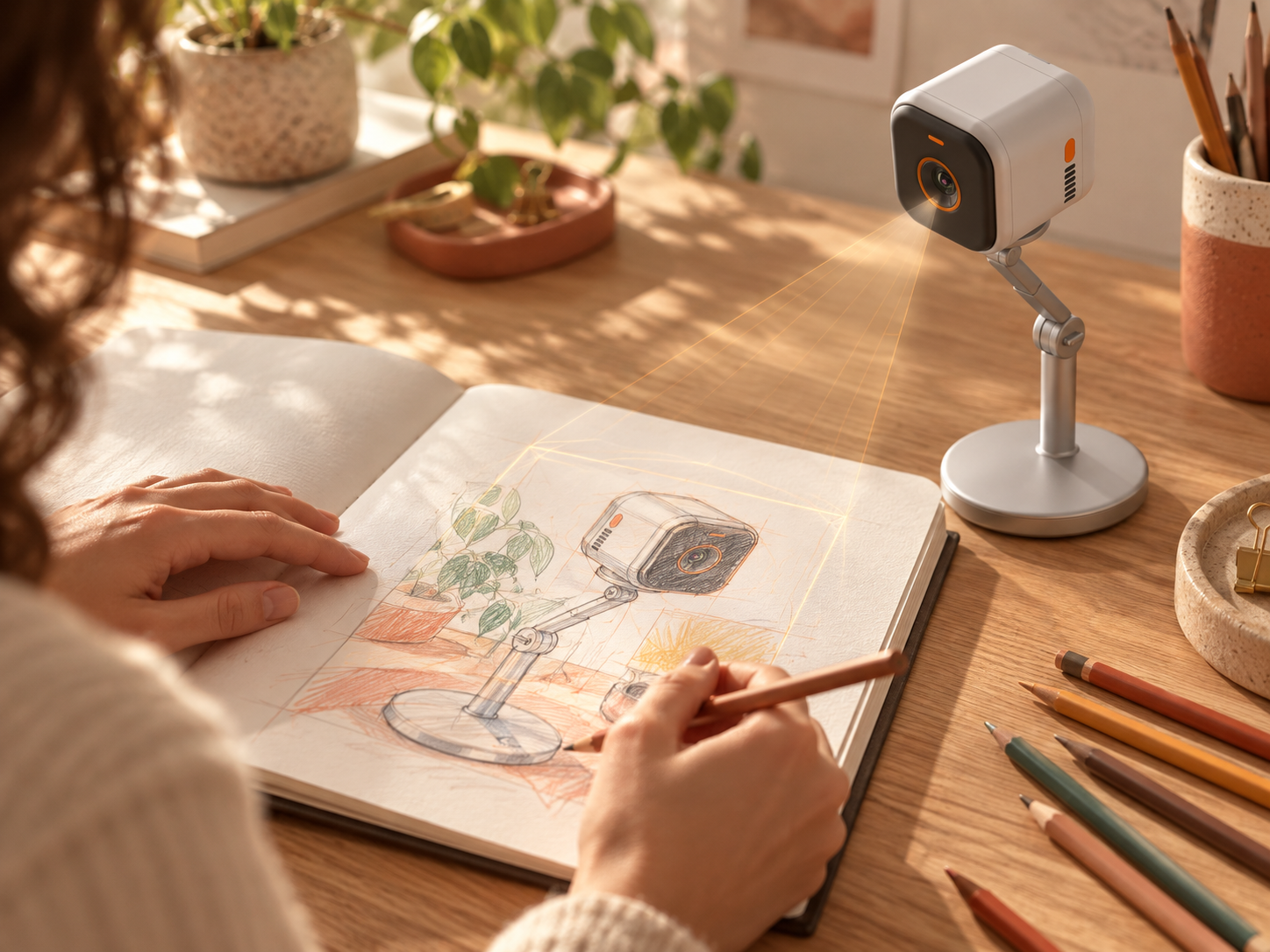
Paper
Sketches, studies, first marks
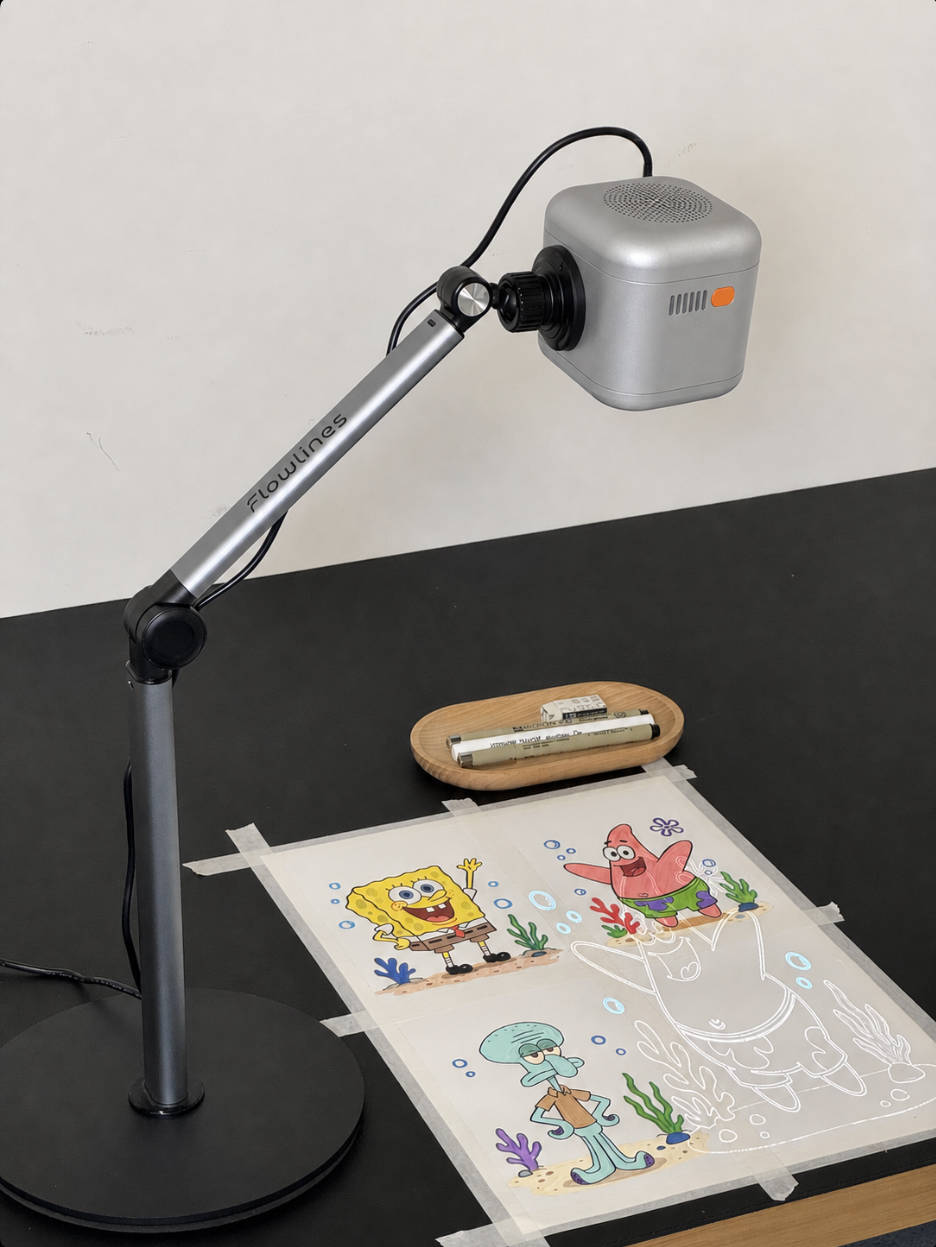
Flowlines turns your chosen image into visual guidance and projects it directly onto your creative surface. From the first sketch to layers and color, it guides you through the process so you can start creating with confidence.
Create what is yours wherever you choose to create.
Sketches, studies, first marks
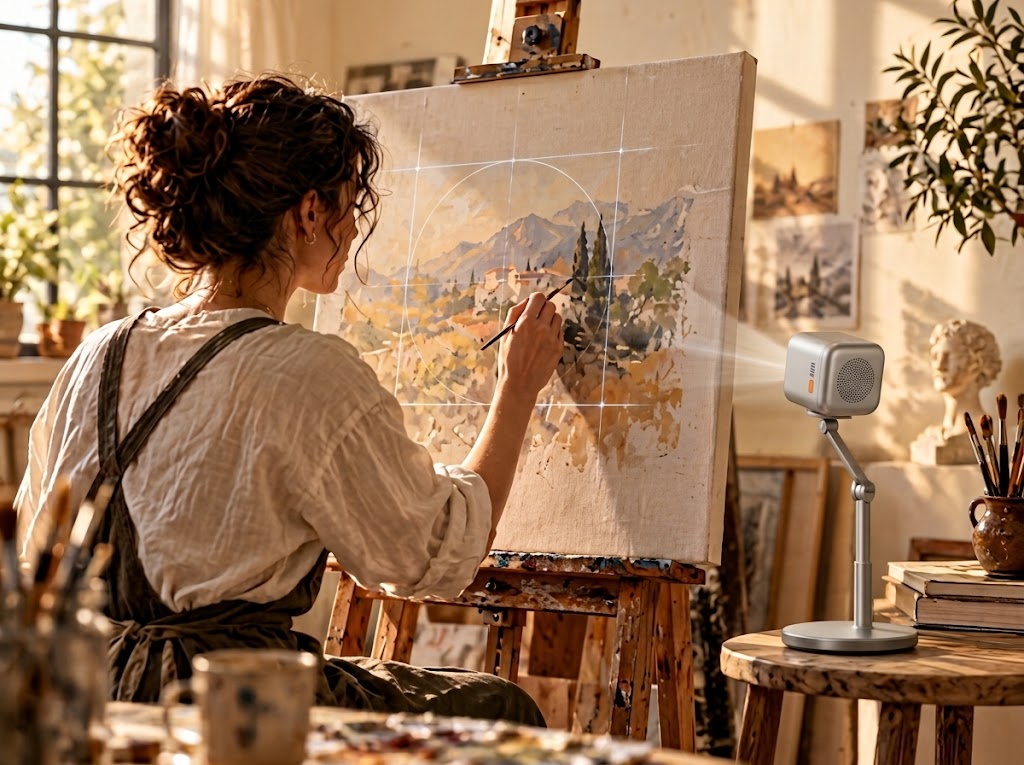
Paintings made at the easel
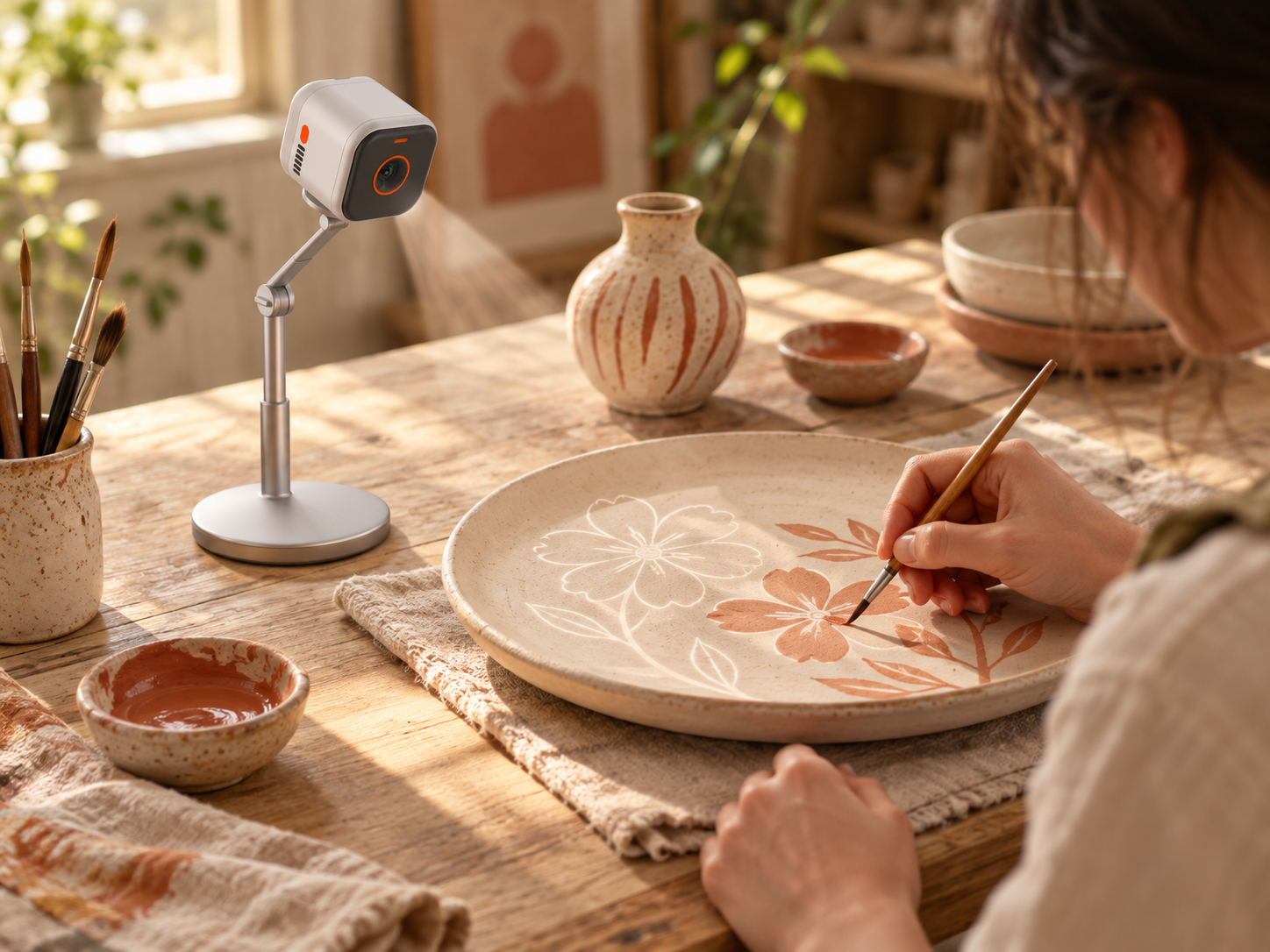
Ceramics, plates & nail art
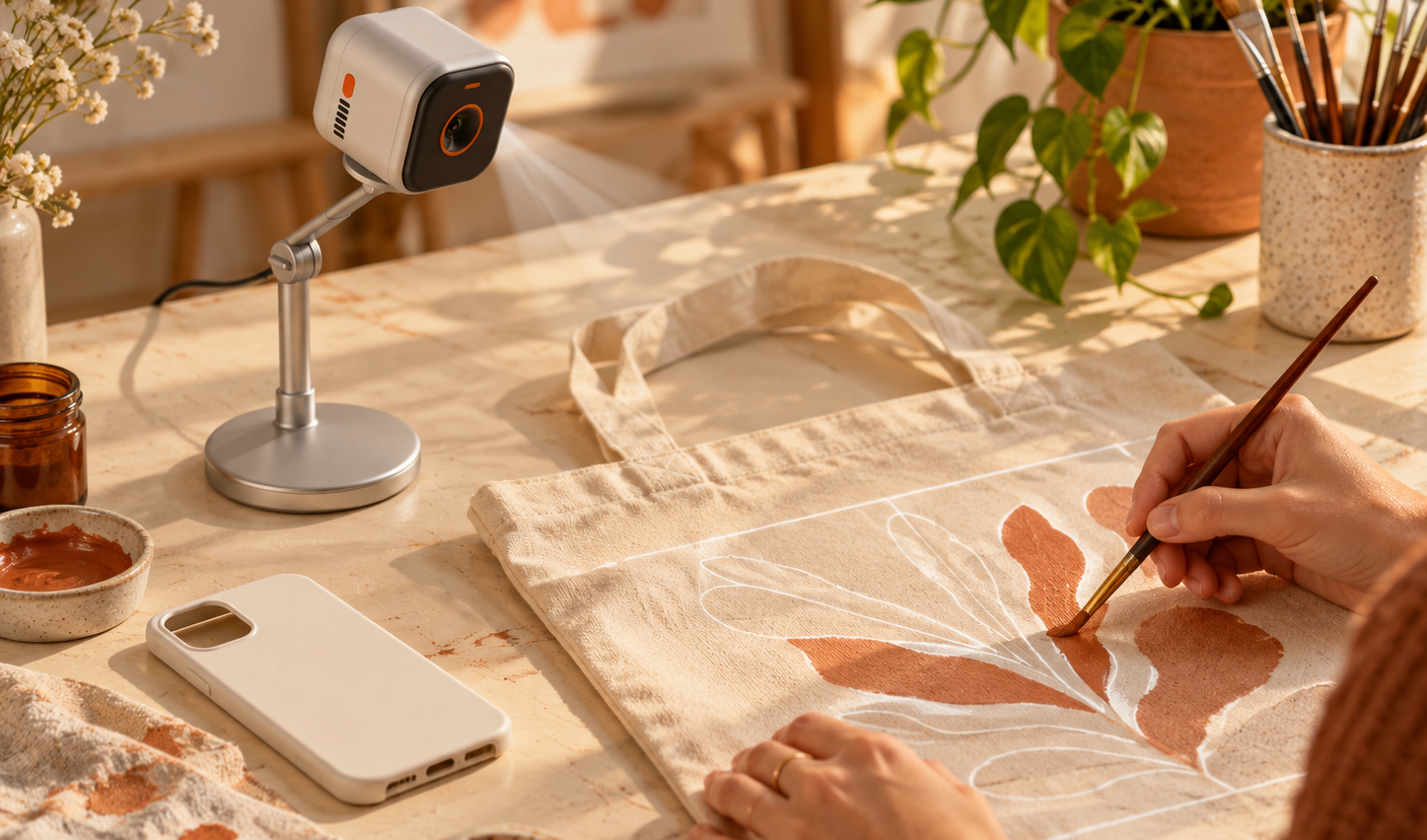
Phone cases, fabric & more
How it works
01 / 04
Choose how you want to create. Flowlines adapts its guidance to your medium of choice.
Choose a creative medium, upload and edit a reference image, explore a visual style, then follow guidance projected onto your creative surface. The app and projection move together as you create.
Yes. Upload a reference image and rework it with your own ideas. You can keep the parts that matter, remove distractions, and explore different visual styles before you start drawing.
The current product journey includes sketching, oil pastel, and acrylic. Flowlines adapts its guidance to your chosen medium; more mediums are planned.
The projection provides guidance from sketching through layers and color. You still make the marks by hand and decide how to bring the image to life in your own medium and style.
Use Join waitlist or Contact us to reach the Flowlines team. In the contact form, tell us that you would like product updates or ask the questions you have.

The projection gives you the outline. You decide how to bring it to life in different mediums and styles.
Contact us